See Who Has Access to Your Shared Labels
Viewing who has access to your shared contact label helps you identify who can or cannot access the contacts. It allows you to confirm if new colleagues have been granted access or if access should be revoked for someone who left the team.
To check who has access to a shared label, follow these steps:
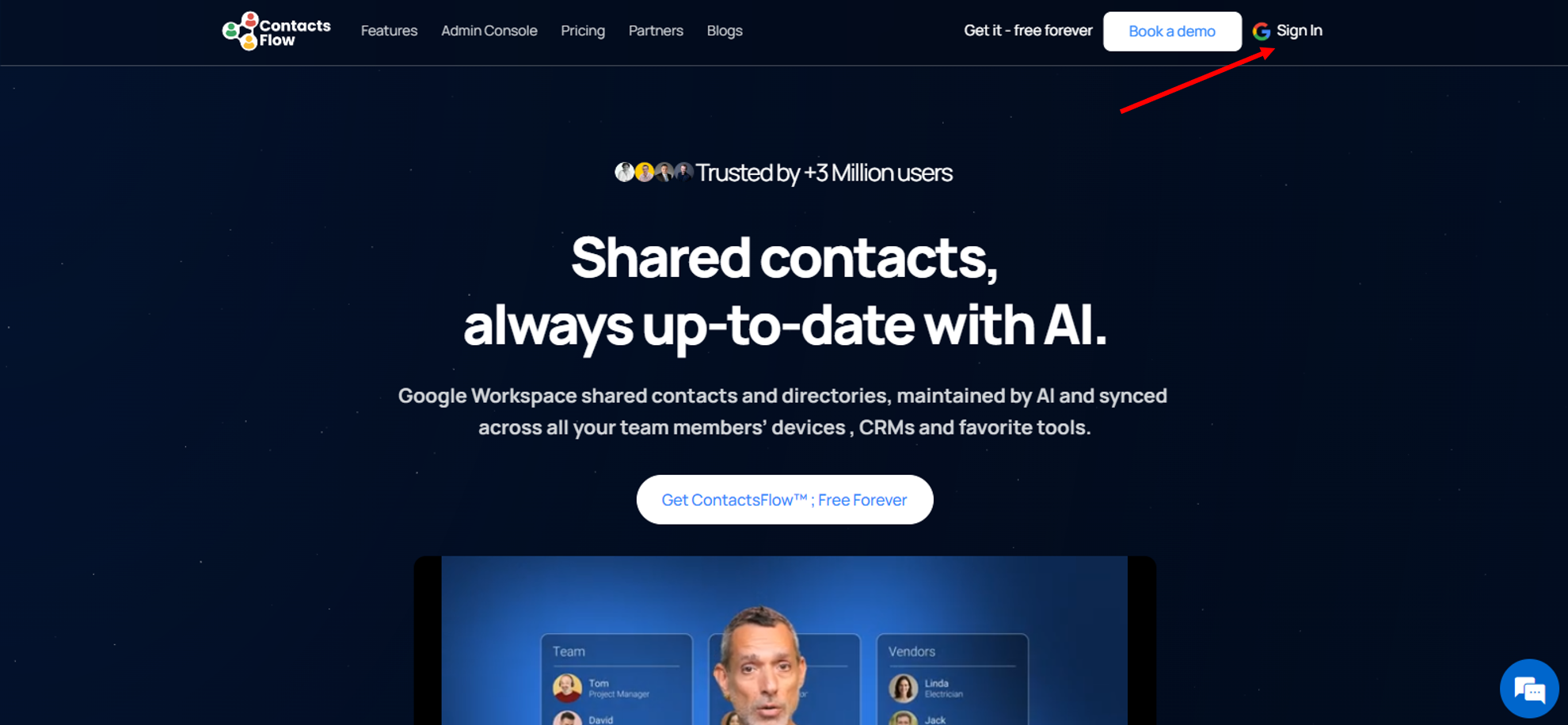
- Log in to your shared contacts manager from the ContactsFlow™ (formerly Shared Contacts for Gmail™) website
- Click the avatars on the label that your intended collaborator should access.
If you have many labels and are having trouble finding the right one, use the “Search Contact Lists” bar to locate it quickly.
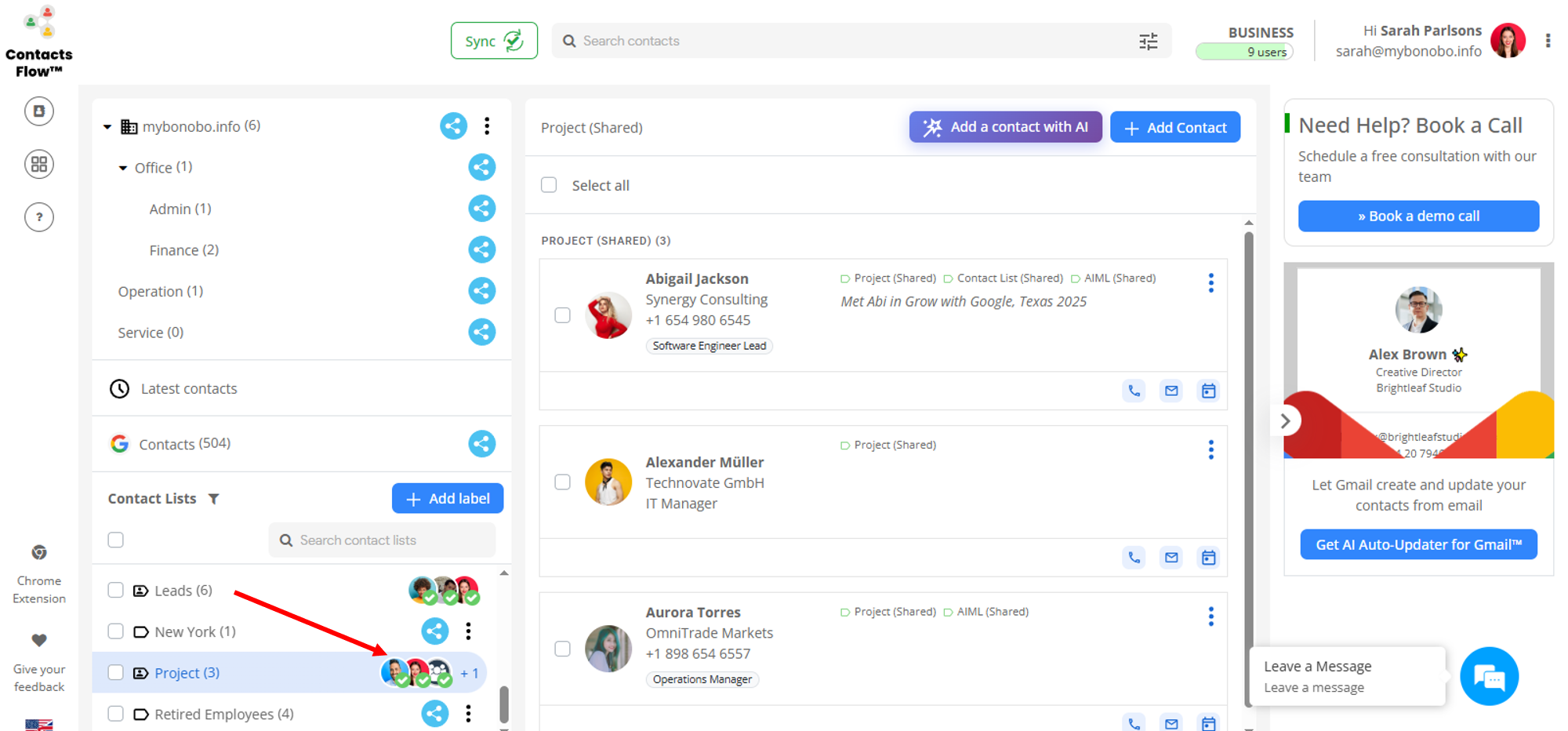
- A pop up will appear showing all the collaborators for the label.
If the intended collaborator is not listed, add them by entering their email address in the “Add people and groups here” field and clicking “Give Access.”

Note:
If the label is shared with a group (distribution list), click “View Group Members” under the collaborator status to check the status of each group member.


